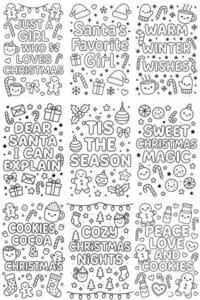
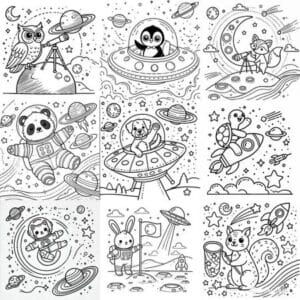
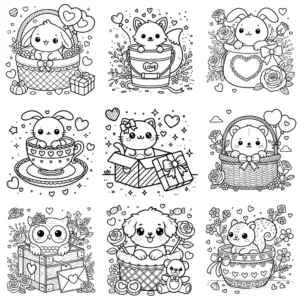
Creating coloring pages no longer requires hours of manual drawing. Thanks to AI-powered tools, anyone can design professional-quality outlines ready for print or digital use. Whether your goal is to sell on Etsy, publish on KDP, or simply create for fun, these tools make the process faster and more accessible. With the right approach, you can generate pages that look polished and professional in minutes.
Why Use AI for Coloring Pages?
- Save time – You can create dozens of unique pages in minutes.
- Consistent results – Keep a uniform style across your book.
- Creative flexibility – Explore different themes, styles and niches easily.
- Accessibility – Anyone can create beautiful art without being an illustrator.
Best AI Tools for Coloring Page Creation
1. ChatGPT + Prompt Engineering
With ChatGPT’s built-in image generator, you can create black-and-white line art directly from text prompts. The most effective way is to start from a clear template, then personalize it with variables and finally apply it in a full prompt.
A great starting point is:
“Create an image of [SUBJECT] in a children’s coloring book [STYLE] style: bold, even black outlines on white, no shading or tone. Simplify textures into playful, easily recognizable shapes. 1:1 aspect ratio.”
Then personalize it with variables:
- [SUBJECT] → a playful cat chasing a butterfly, a fairy sitting on a flower, a unicorn jumping over a rainbow, a carved Halloween pumpkin, a castle on top of a hill
- [STYLE] → kawaii, whimsical, folk art, vintage engraving
- [EXTRAS] → floral frame, stars, geometric border, decorative patterns
👉 Example prompt:
“Create an image of a friendly unicorn jumping over a rainbow, with big expressive eyes, round features and an oversized head, showing a joyful expression in a children’s coloring book kawaii style: bold, even black outlines on white, no shading or tone. Simplify textures into playful, easily recognizable shapes. 1:1 aspect ratio.”
Why this works (quick tips)
- Be specific and structured. Defining the subject, context and style (not just a single word) gives you more control and reduces unexpected results. Add useful details step by step until you reach the look you want.
- Include clear restrictions. Asking for “line art, black-and-white, no shading” and setting an aspect ratio (e.g., 1:1) guides the model toward clean, printable and consistent coloring pages.
- ChatGPT Images and similar models follow precise instructions. If something doesn’t look right, you can refine your prompt in successive rounds.
- Bonus: If your tool supports negative prompts, list what you don’t want (e.g., “gradients, filled areas”). This helps keep the lines clean.
💡 Key takeaway: A good prompt is detailed and relevant. The more specific you are with the [SUBJECT] (action, features, pose) and the [STYLE], the cleaner and more usable your coloring page will be.
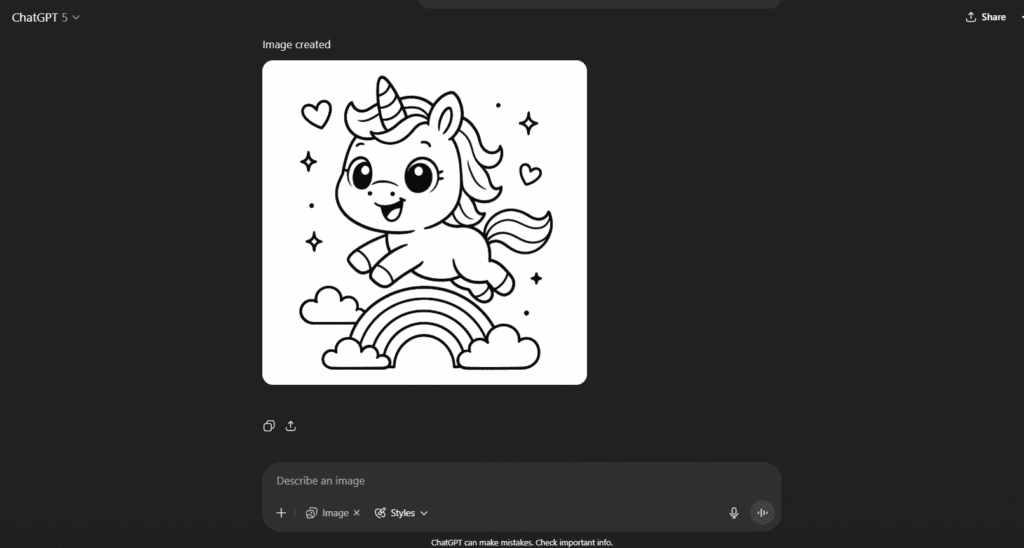
Once you generate your images, refine them in Canva or Photoshop to:
- Keep backgrounds perfectly white.
- Enhance contrast for sharp outlines.
- Remove any unwanted elements.
- Adjust composition for a fun coloring experience.
This workflow—AI generation plus design optimization—lets you create professional-quality pages ready to sell or share.
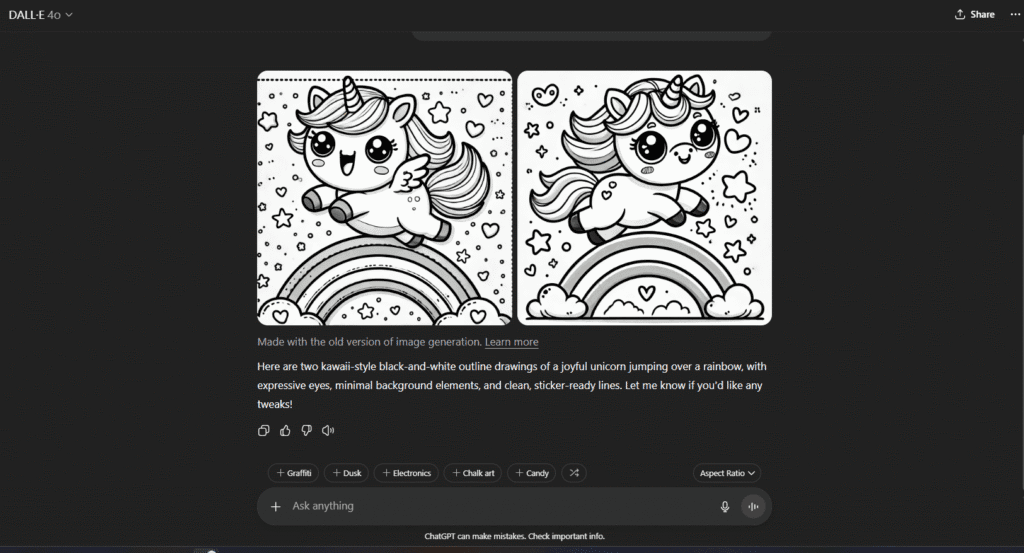
2. DALL·E (via ChatGPT or OpenAI)
With DALL·E, creators can produce black-and-white illustrations by asking for line art or coloring book style. It’s simple to use and delivers printable results quickly.
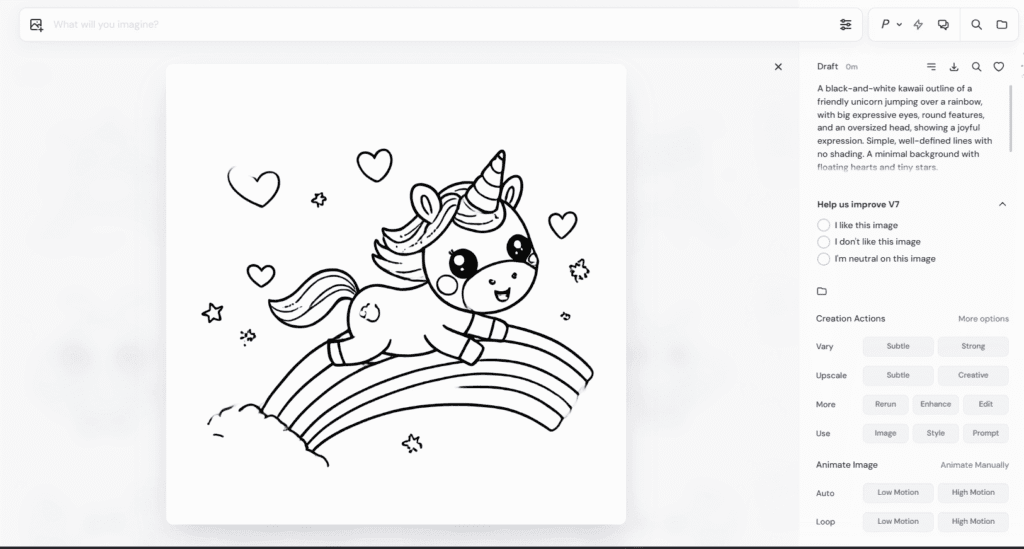
3. MidJourney
MidJourney is known for detailed artwork, but you can also use it for coloring books. By adding “coloring book line art, no shading, clean outlines” to your prompts, you’ll be able to generate consistent sets of pages for an entire book.
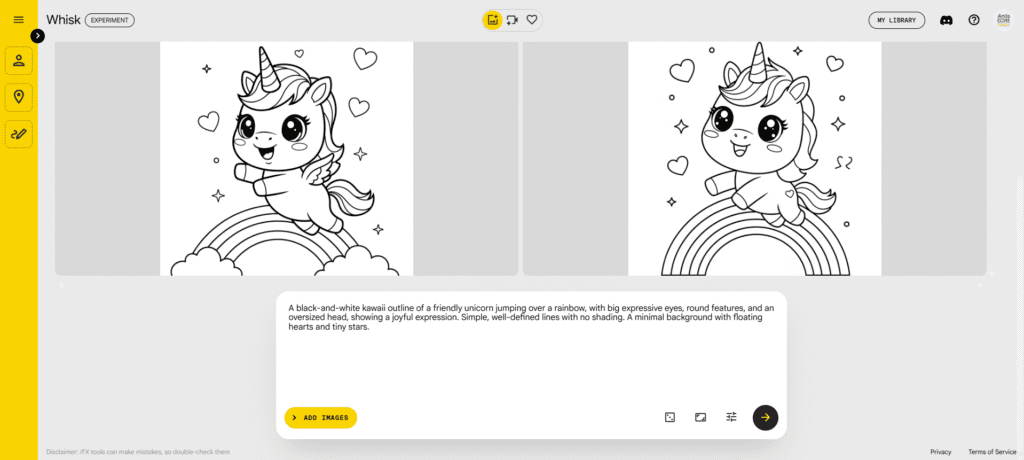
4. Google Imagen FX
Google Imagen FX allows anyone to create highly detailed images and simplified line art for coloring. By guiding it with phrases like “outline drawing” or “black-and-white coloring book style”, you can produce clean pages that are easy to refine and print.
5. Canva
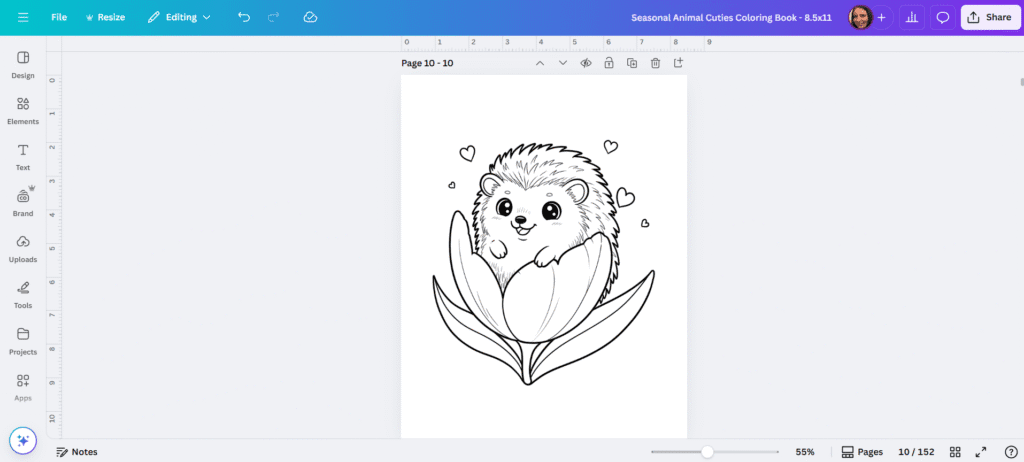
Canva includes an AI image generator, so you can create illustrations directly on the platform. Beyond generation, Canva helps you:
- Organize your coloring pages.
- Design covers and layouts.
- Clean and refine your artwork.
- Export everything as print-ready PDFs.
You can generate art in Canva itself or import illustrations from other AI tools, then assemble your full coloring book in minutes.
How to Get the Best Results
- Use clear prompts to avoid shading or filled colors.
- Test a few images before producing a full book.
- Aim for 20–50 pages per book for strong value on Etsy or KDP.
- Combine AI tools with Canva or InDesign for layouts.
- Always refine images so they’re crisp, clean and print-ready.
Quick Checklist Before Publishing
✅ White background.
✅ Bold, sharp outlines.
✅ Extra details cleaned or removed.
✅ Balanced composition, easy to color.
✅ High-resolution export, ready for print (PDF/PNG).
Final Thoughts
AI tools have completely changed the way you can create coloring books. Instead of drawing every page by hand, you can generate, refine and publish your designs in a fraction of the time.
By combining the power of AI prompts with design software, you’ll be able to create beautiful coloring books that kids and adults will love—and start selling them on Etsy or Amazon KDP.
👉 Ready to explore? Discover my Coloring Book Prompt Collections and start creating your own books today.